

Switchboard Console
📖 Introduction
The Switchboard Console is the main call handling interface. View all active calls, monitor extensions, and transfer calls with drag-and-drop.
---
🖥️ Console Layout
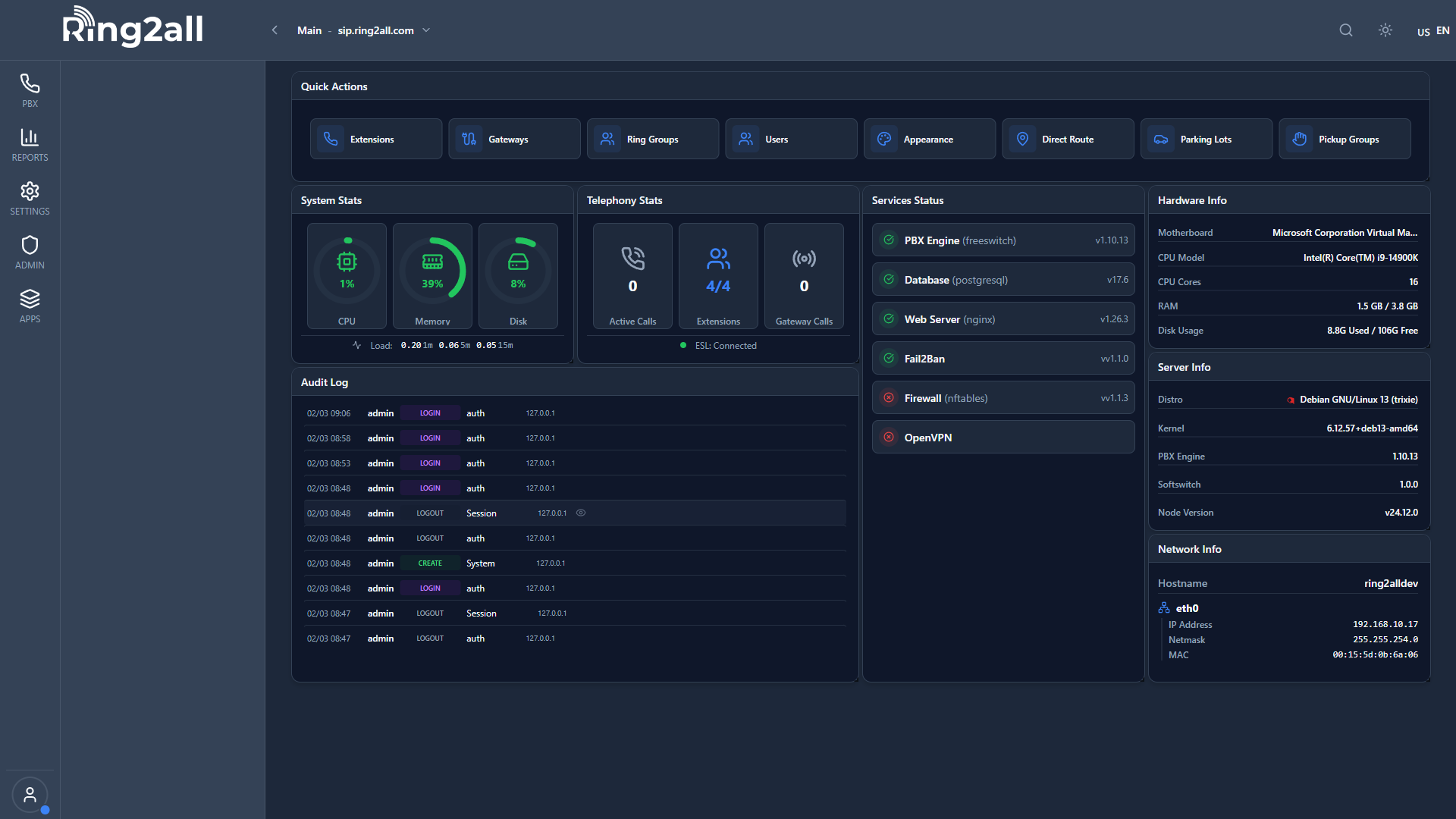
Active Calls Panel
| Column | Description | |
|---|---|---|
| Caller | Incoming caller ID | |
| Called | Original destination | |
| Duration | Call time | |
| Status | Ringing/Connected/On Hold | |
| Actions | Answer/Hold/Transfer/Hangup |
Extension Grid
Each extension shows:
| Indicator | Meaning | |
|---|---|---|
| 🟢 Green | Available | |
| 🔴 Red | On Call | |
| 🟡 Yellow | Ringing | |
| ⚪ Gray | Offline/DND |
📞 Call Actions
Answering Calls
| Method | Action | |
|---|---|---|
| Click | Click Answer button | |
| Double-click | Double-click call | |
| Keyboard | Press Enter on selected call |
Transferring Calls
Drag-and-Drop Transfer:- Click and hold active call
- Drag to destination extension
- Release to transfer
Parking Calls
- Drag call to Parking panel
- Or click Park button
- Call parks in first available slot
---
⌨️ Keyboard Shortcuts
| Key | Action | |
|---|---|---|
Enter | Answer selected call | |
H | Hold/Unhold | |
T | Transfer | |
P | Park | |
Esc | Hangup | |
1-9 | Quick dial extension |
💡 Tips
TIP
Learn shortcuts: Much faster than mouse.TIP
Use favorites: Pin frequently transferred extensions.TIP
Right-click for menu: More options available.---