

Switchboard Widgets
📖 Introduction
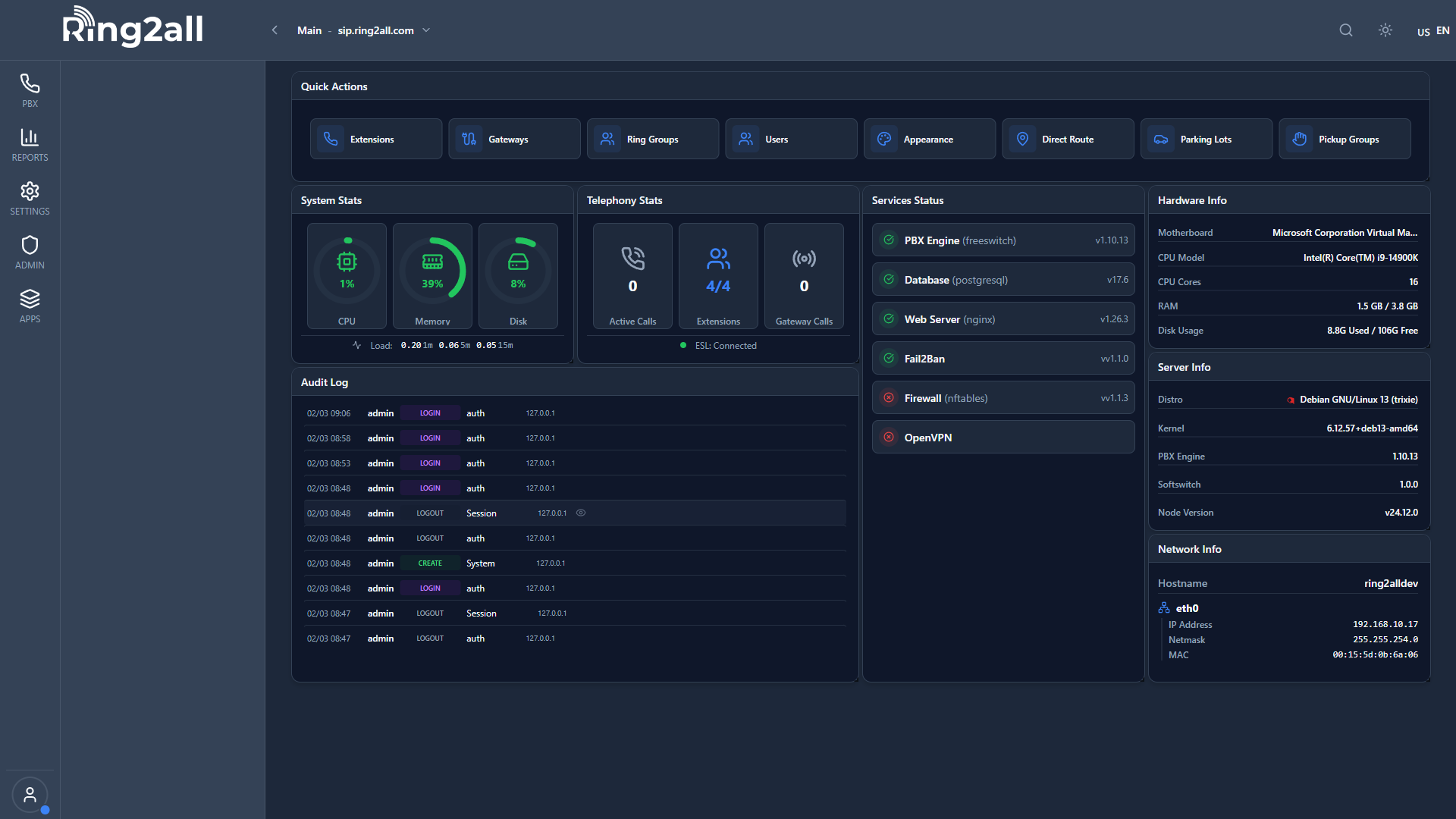
Widgets are the building blocks of your Switchboard console. Add, remove, resize, and arrange widgets to create your ideal workspace.
---
🎯 Widget Categories
| Category | Widgets | |
|---|---|---|
| Core | Active Calls, Extensions BLF, Softphone, System Health | |
| Queues | Queue Summary, Queue Members, Queued Calls, Wallboard | |
| Parking | Parking Lots | |
| Conferences | Conferences | |
| Monitoring | Live Calls Monitor, Quality Score, Trunks, Wait Time Trend | |
| Personal | My Calls |
➕ Adding Widgets
- Click + Add Widget button
- Browse widget categories
- Click widget to add
- Widget appears in next available slot
---
⚙️ Configuring Widgets
Each widget has its own settings:
- Click ⚙️ on widget header
- Adjust settings in modal
- Click Save
Common settings:
- Select which items to show
- Number of columns
- Refresh interval
- Color thresholds
---
📐 Arranging Widgets
Drag and Drop
Click and drag widget header to reposition.
Resizing
Drag corner/edge to resize:
- Small (1x1)
- Medium (2x1 or 1x2)
- Large (2x2)
Remove
Click ✕ on widget header to remove.
---