

Portal Settings
📖 Introduction
Settings lets you configure your personal preferences and account settings.
---
🖥️ Settings Sections
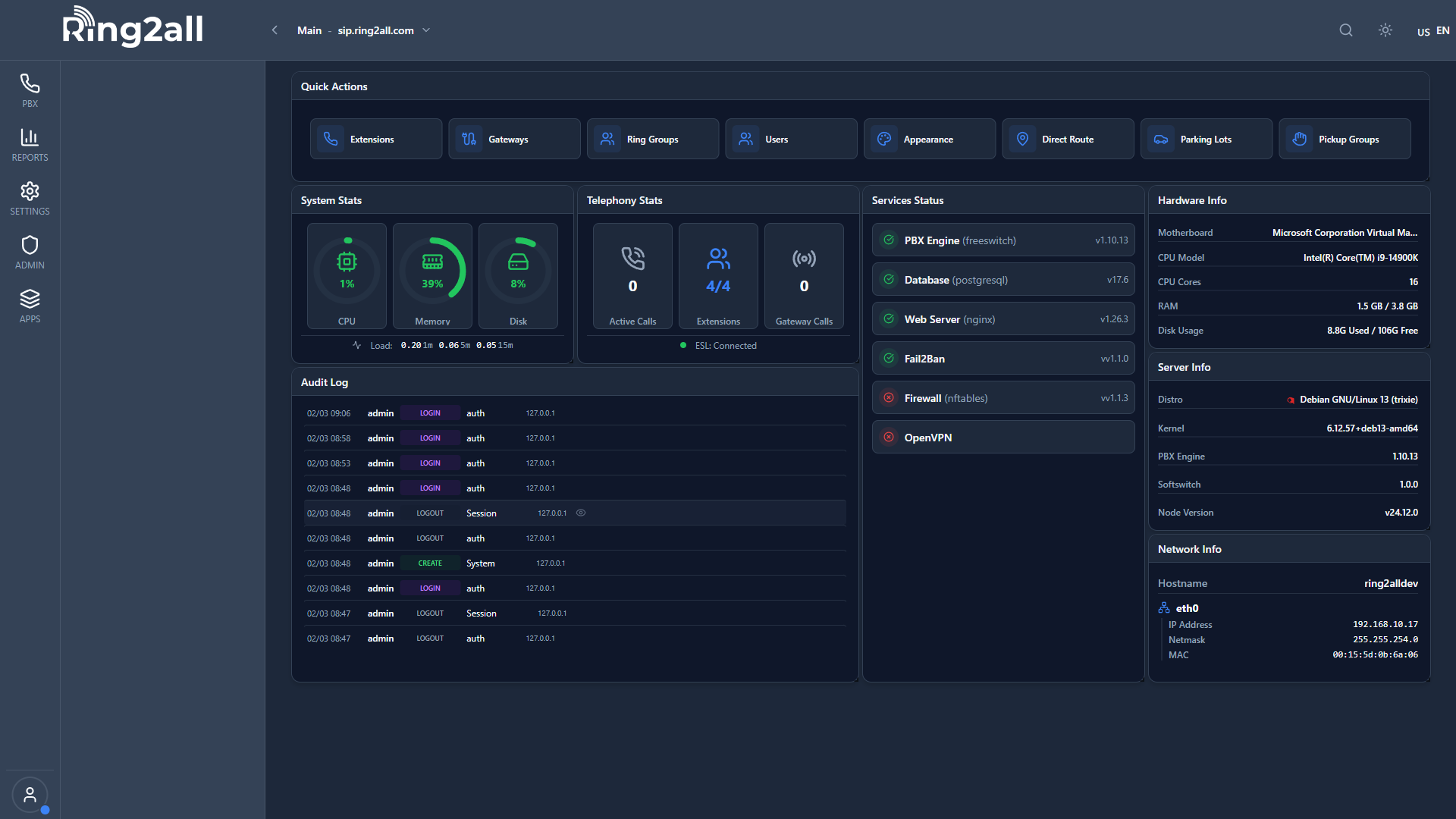
Profile
| Setting | Description | |
|---|---|---|
| Name | Your display name | |
| Email address | ||
| Avatar | Profile picture |
Security
| Setting | Description | |
|---|---|---|
| Portal Password | Change login password | |
| Voicemail PIN | Change voicemail PIN | |
| Two-Factor Auth | Enable 2FA |
Notifications
| Setting | Description | |
|---|---|---|
| Email Alerts | Email on voicemail | |
| SMS Alerts | SMS on voicemail | |
| Browser Notifications | Desktop alerts |
Preferences
| Setting | Description | |
|---|---|---|
| Language | Interface language | |
| Timezone | Your timezone | |
| Date Format | Date display format | |
| Time Format | 12/24 hour |
🔐 Changing Password
- Go to Security
- Enter current password
- Enter new password
- Confirm new password
- Click Save
---
💡 Tips
TIP
Enable 2FA: Extra security for your account.TIP
Set timezone: Correct call times in history.---
🔗 Related
- Dashboard — Return to home
- Call Forwarding — Forward settings