

Navigating the Interface
📖 Admin Panel Layout
The Ring2All admin panel has a consistent layout to help you find what you need quickly.
---
🖥️ Main Areas
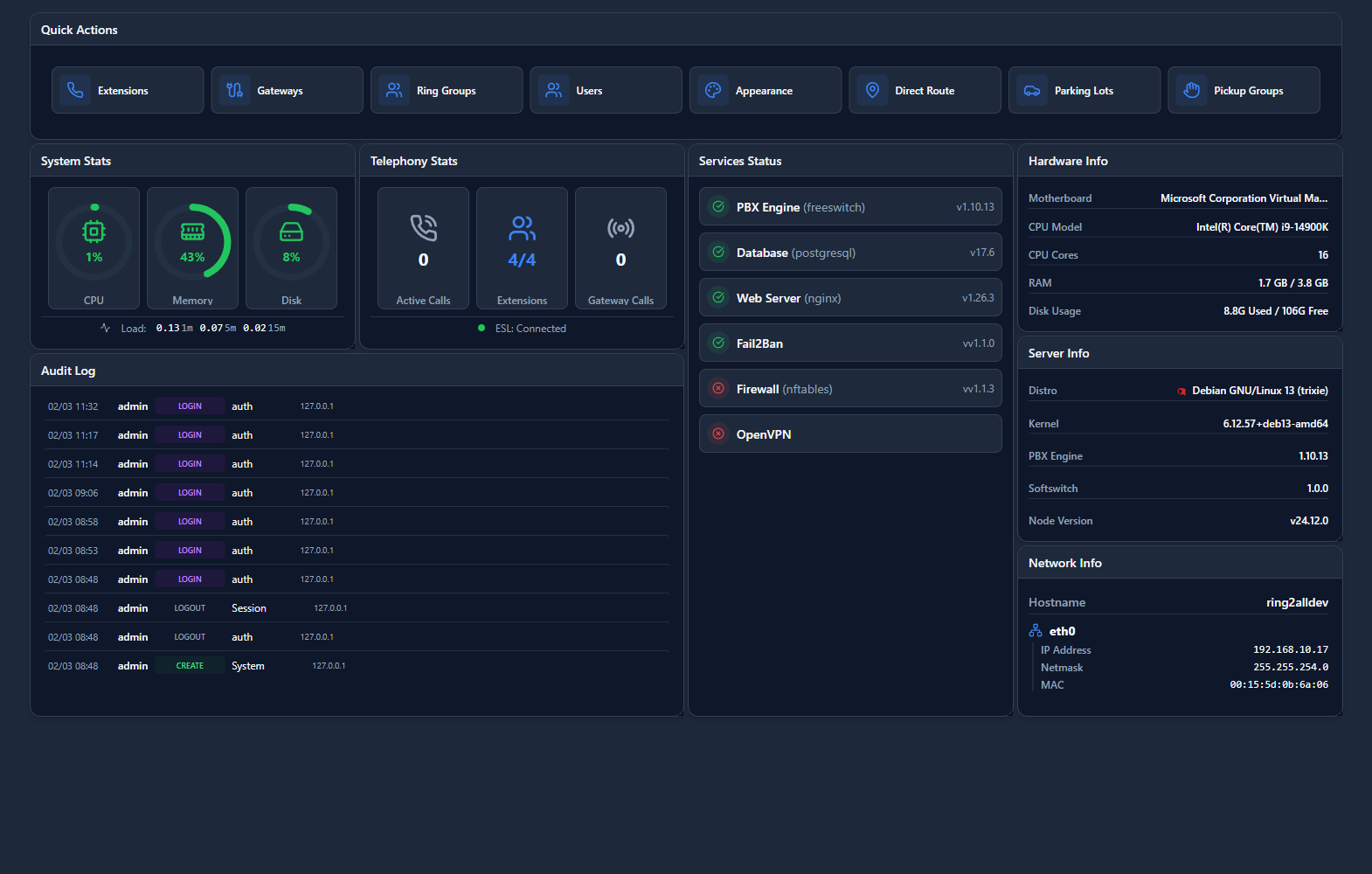
1. Sidebar Navigation
The left sidebar contains all modules organized by category:
| Section | Contains | |
|---|---|---|
| Dashboard | Overview and widgets | |
| PBX | Extensions, Applications, Routing | |
| Call Center | Queues, Agents | |
| SMS | Text messaging | |
| Reports | CDR, Statistics | |
| Settings | System configuration | |
| Admin | Users, Security, Backups | |
| AI | AI Providers, Profiles, Agents |
2. Top Bar
| Element | Purpose | |
|---|---|---|
| Search | Quick search across all modules | |
| Domain Selector | Switch between tenants | |
| Notifications | System alerts | |
| User Menu | Profile, logout |
3. Main Content Area
Where all forms and data tables are displayed.
---
🔍 Finding Things
Quick Search
Press / or click the search icon to search:
- Extensions by name or number
- IVRs by name
- Any module by name
Breadcrumbs
Shows your current location:
Click any breadcrumb to go back.
---
📝 Common Actions
Create New Item
Click the + button in any module list.
Edit Item
Click on any row in a table, or click the edit icon.
Delete Item
Click the delete icon on any row. You'll be asked to confirm.
Duplicate Item
Click the copy icon to create a copy with "(Copy)" suffix.
---
💡 Tips
TIP
Keyboard shortcuts: Press ? to see available shortcuts.TIP
Favorites: Star frequently used modules for quick access.---